Download HiDock App for Mac.
The current build is for Apple silicon and works with supported HiDock recorders. Check the requirements, then install the app that keeps the local meeting workflow on your Mac.
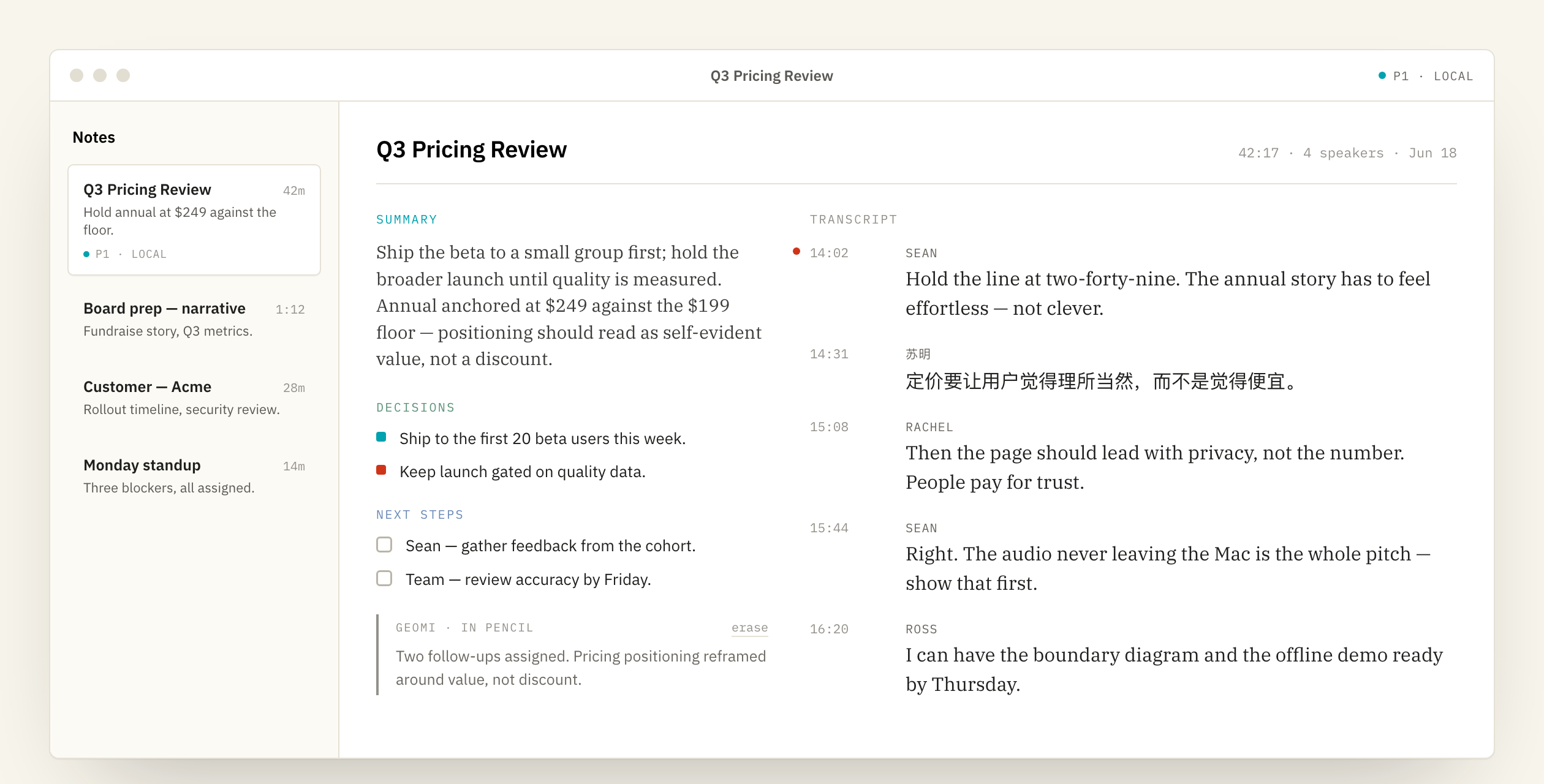
Local AI needs local resources.
HiDock App runs speech and language models on the Mac. That is what keeps the default transcription and summary path local, and it is also why processor, memory, and operating-system requirements matter more than they do for a thin cloud client.
A 16 GB Apple-silicon Mac is the current floor. A 24 GB or larger configuration is recommended for a more comfortable local-model experience. The app also expects a supported HiDock recorder as the capture source.
| Current version | 0.21.1, published 2026-09-04. |
|---|---|
| Installer | Apple-silicon macOS disk image (.dmg). |
| Processor | Apple silicon M1 or later; Intel Macs are not supported by this build. |
| Memory | 16 GB minimum, with 24 GB recommended. |
| Operating system | macOS 26 or later. |
| Capture hardware | A supported HiDock recorder is required for the intended workflow. |
Check, download, connect, review.
Confirm the Mac.
Open About This Mac and verify Apple silicon, available memory, and macOS version.
Download the current disk image.
Use the versioned link on this page so the installer and release notes agree.
Install and open HiDock App.
Follow macOS prompts, then complete the app’s first-run setup and local-model preparation.
Connect a supported HiDock.
Bring a recorder capture into the app and verify the local transcript before depending on the workflow.
Compatibility before commitment.
Does HiDock App support Intel Macs?
No. The current published build requires Apple silicon M1 or later.
Will it run with 16 GB of RAM?
16 GB is the current minimum. Because local speech and language models need memory, 24 GB is recommended.
Do I need a HiDock recorder?
Yes for the intended capture workflow. HiDock App is designed around recordings from supported HiDock hardware rather than arbitrary manual audio import.
Where can I see what changed?
The public release notes list current features, fixes, and limitations by version.
Ready for the local path?
Download version 0.21.1 for Apple silicon.