01 · CONTROL
The recording stays inspectable.
You keep the source audio and can return to the exact conversation instead of trusting a cloud-generated abstraction alone.
HiDock App uses the compute already on an Apple-silicon Mac to transcribe recordings and draft summaries. The default path does not upload raw audio to a transcription service.
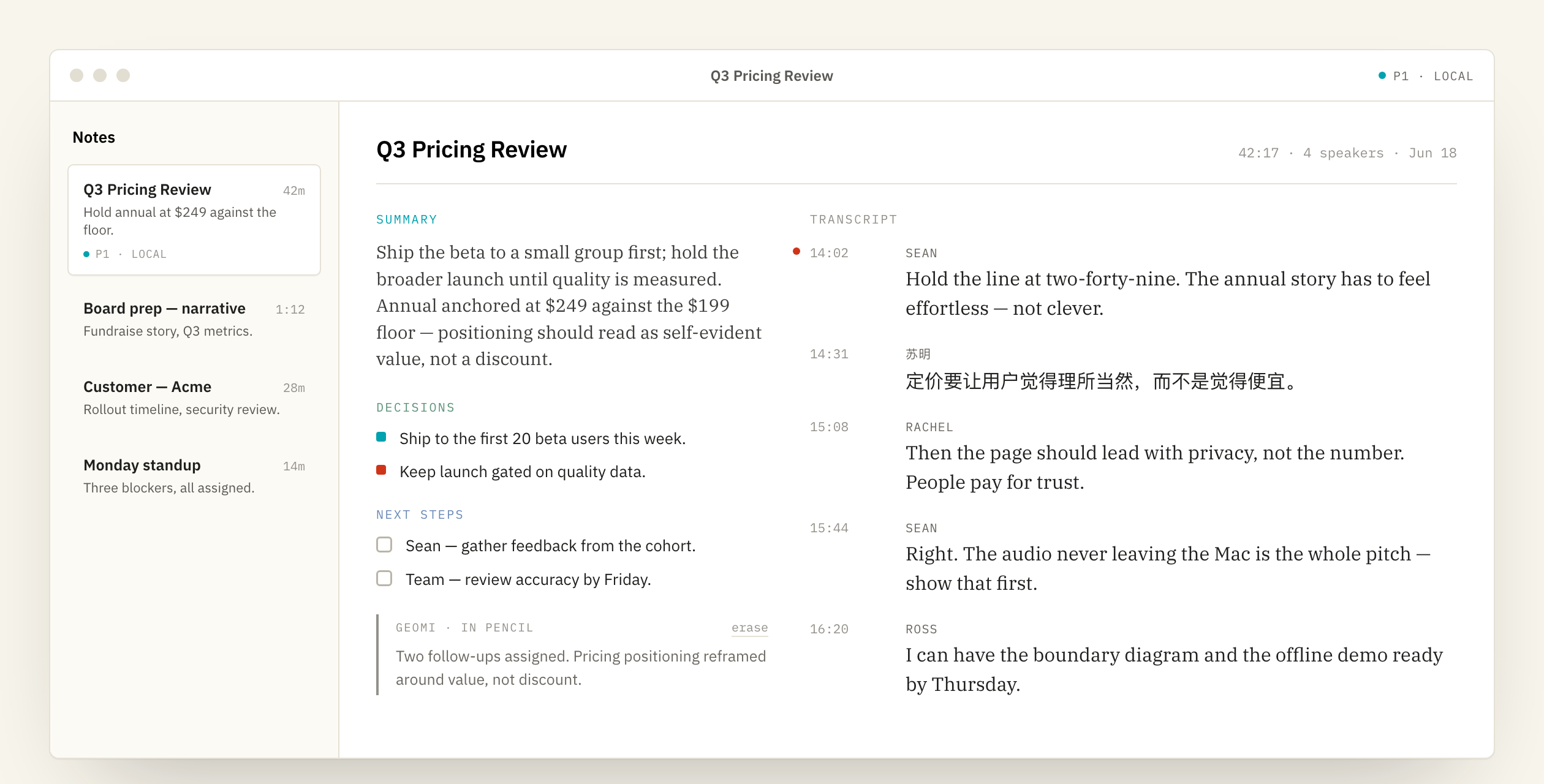
“Private AI” can be vague. HiDock App’s default architecture is specific: the recording arrives on the Mac, the speech model reads it there, and the summary model reads the resulting text there. The core processing loop stays inside the machine.
The source recording, speaker-labeled transcript, and generated note remain available together. That makes the AI output reviewable instead of turning it into an answer detached from its source.
| Capture input | A recording transferred from a supported HiDock device. |
|---|---|
| Speech model | Runs on the Apple-silicon Mac and produces the transcript. |
| Speaker layer | Separates voices into reviewable speaker labels; labels can be corrected. |
| Summary model | Built into the app and runs locally by default. |
| Storage | Recording, transcript, and notes are kept on the Mac in the local workflow. |
You keep the source audio and can return to the exact conversation instead of trusting a cloud-generated abstraction alone.
Capture starts on HiDock hardware, so the note does not depend on adding a participant to a supported calendar call.
Smaller on-device models can trail the largest cloud systems. Check important names, numbers, dates, and commitments.
Not in the default local workflow. Transcription runs on the Mac using the recording stored there.
No for the built-in local summary path. It is designed to work without a separate AI key or summary-server account.
Yes. A cloud engine can remain available as an explicit option in Settings. Review that provider’s data terms before changing from the local default.
Speech and language models need local compute and memory. See the current requirements before downloading; 24 GB RAM is recommended.
Download the current alpha for Apple silicon.