From one press to a private meeting record.
HiDock handles capture. Your Mac handles transcription and, by default, the summary. HiDock App keeps the recording, transcript, and note together so the conversation remains useful after it ends.
Five stages, one visible boundary.
The important distinction is not a longer feature list. It is knowing where the conversation is captured, where it is processed, and where the result lives.
The recorder and Mac each do the job they are good at.
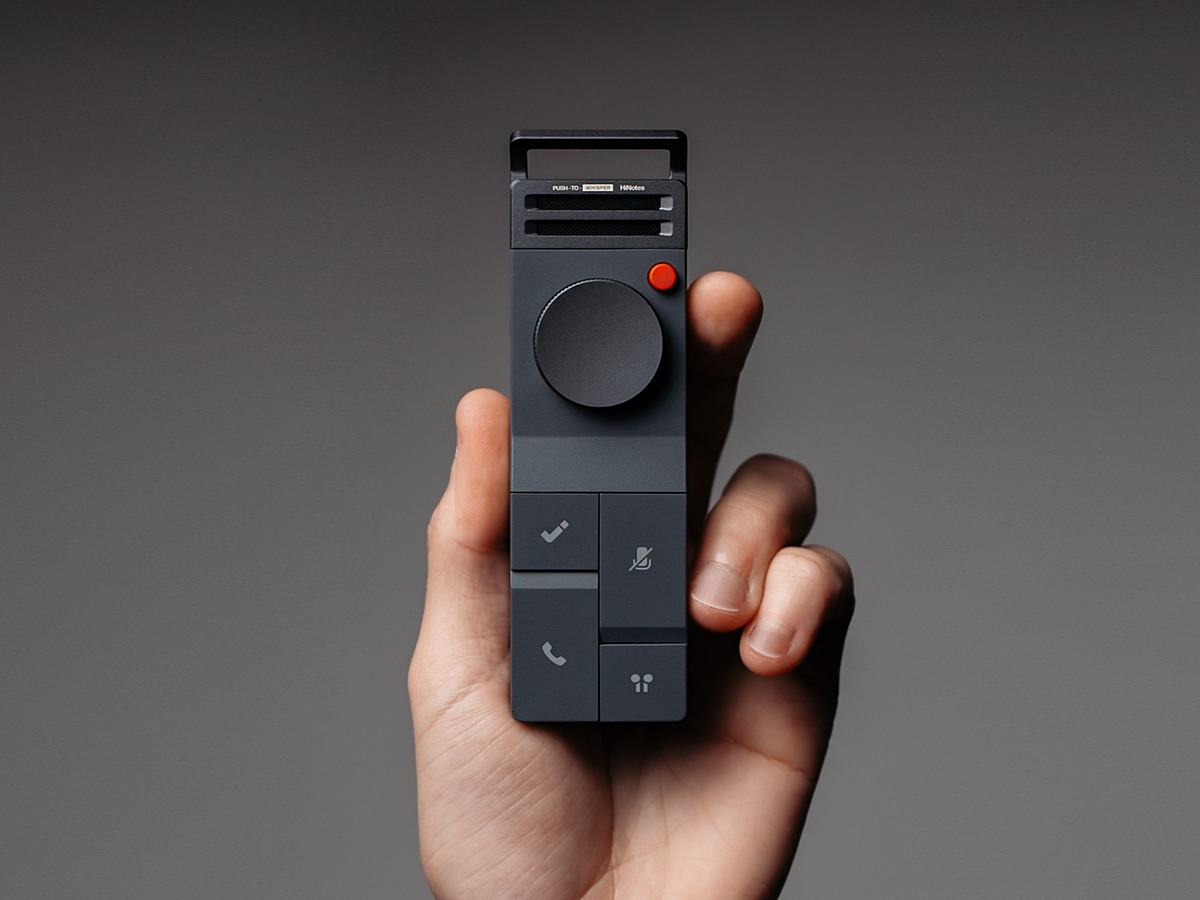
HiDock is the capture layer. A dedicated recorder can sit in the room or capture both sides of a supported earphone call through BlueCatch. You do not need to invite a software bot into a calendar meeting.
HiDock App is the processing and memory layer. Once the recording is on the Mac, the app transcribes it, separates speakers, creates a draft summary, and keeps the result with the source audio.
This separation gives the privacy claim a concrete shape: the raw conversation does not have to visit a transcription server for the core workflow.
| Raw audio | Captured by HiDock and processed on your Mac. It is not uploaded for local transcription. |
|---|---|
| Transcript | Created on-device and stored with the note. |
| Summary | Created by the built-in local model by default. Optional cloud engines remain an explicit choice in Settings. |
| Account | The default local path does not require an AI API key or a summary server account. |
| Human review | Required for important facts. The app is in alpha and AI output can contain errors. |
What the workflow does—and does not—assume.
Does a meeting bot join the call?
No. HiDock records through the hardware capture path. The core workflow does not depend on adding a bot participant to the meeting.
Is the audio uploaded for transcription?
No. In the published default workflow, transcription runs on the Apple-silicon Mac and the raw audio is not uploaded to transcribe it.
Is the summary always local?
The built-in model runs locally by default. HiDock App also leaves an optional cloud engine available in Settings for people who deliberately choose it.
Can I trust every generated detail?
Treat the transcript and summary as working drafts. Local models can make mistakes; check names, decisions, dates, and commitments that matter.
Make the next conversation retrievable.
HiDock App is currently available for supported Apple-silicon Macs.