CALL
AirPods and Bluetooth-earphone calls.
Use BlueCatch to capture the remote side and your side of a supported computer call.
HiDock P1 captures laptop calls and conversations in the room. HiDock App turns those recordings into transcripts and draft summaries on your Mac, keeping the source and note together.
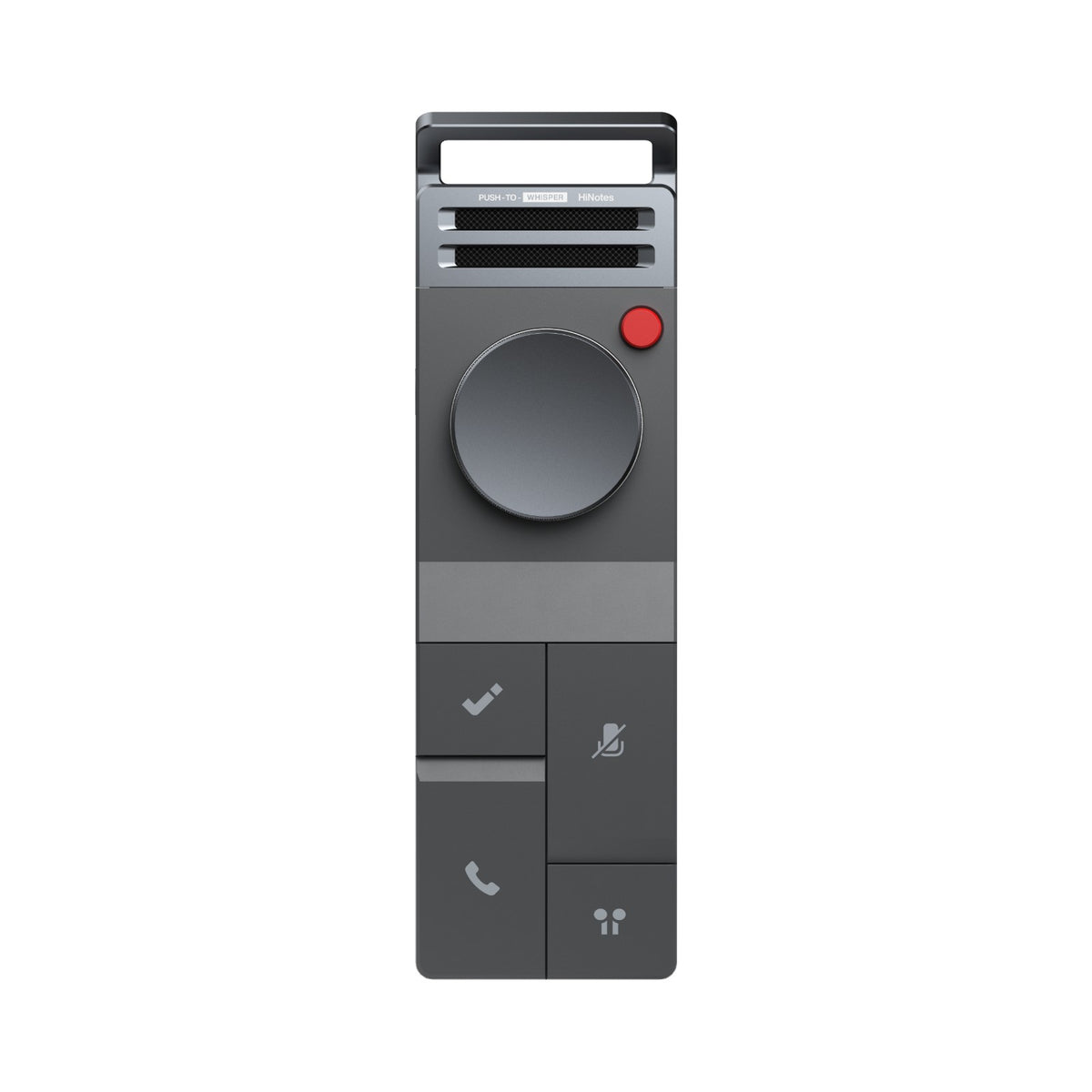
A summary can only be as useful as the conversation it receives. P1 puts capture into a dedicated device with tactile controls, so recording does not depend on keeping a meeting app, laptop microphone, or browser tab in the foreground.
For earphone calls, BlueCatch connects the P1 to supported Bluetooth earphones while P1 connects to the computer through USB-C. This gives the device access to both sides of the supported audio path. For an in-person meeting, Room Mode captures the conversation around the recorder.
After the recording moves to the Mac, HiDock App becomes the second half of the product: local transcription, speaker labels, draft summary, and a meeting history you can revisit.
| Primary role | Portable hardware capture for calls, meetings, and voice moments. |
|---|---|
| Computer connection | USB-C for the supported laptop call path and recording transfer. |
| Earphone path | BlueCatch connects supported Bluetooth earphones, including AirPods. |
| Call output | Audio recording of both sides when the supported path is configured correctly. |
| App result | Local transcript, speaker labels, and a draft meeting summary in HiDock App. |
Use BlueCatch to capture the remote side and your side of a supported computer call.
Set P1 in the room and record without placing a laptop screen between the participants.
Bring both kinds of recording into HiDock App so the transcript and note live in the same place.
Yes, through the supported BlueCatch path. P1 connects to the computer over USB-C and to compatible Bluetooth earphones for the call audio.
No. P1 behaves as audio hardware rather than a participant account. It records audio, not video, chat, or screen sharing.
Yes. Room Mode is designed for in-person conversations, while Call Mode covers the supported earphone-call path.
In the local default workflow, HiDock App runs transcription and its built-in summary model on a supported Apple-silicon Mac.
Pair HiDock P1 with the current Mac app.