Give local AI enough room.
HiDock App runs transcription and its built-in summary model on the Mac. Check the processor, memory, system version, storage headroom, and capture hardware before installing.
Four checks before the download.
Unlike a meeting app that sends every heavy operation to a server, HiDock App asks the Mac to run the speech and summary models. The local boundary therefore depends on real local compute.
Apple silicon provides the required model architecture. Memory affects how comfortably speech processing, the built-in language model, and the rest of macOS can coexist. The operating-system floor reflects the APIs supported by the current alpha.
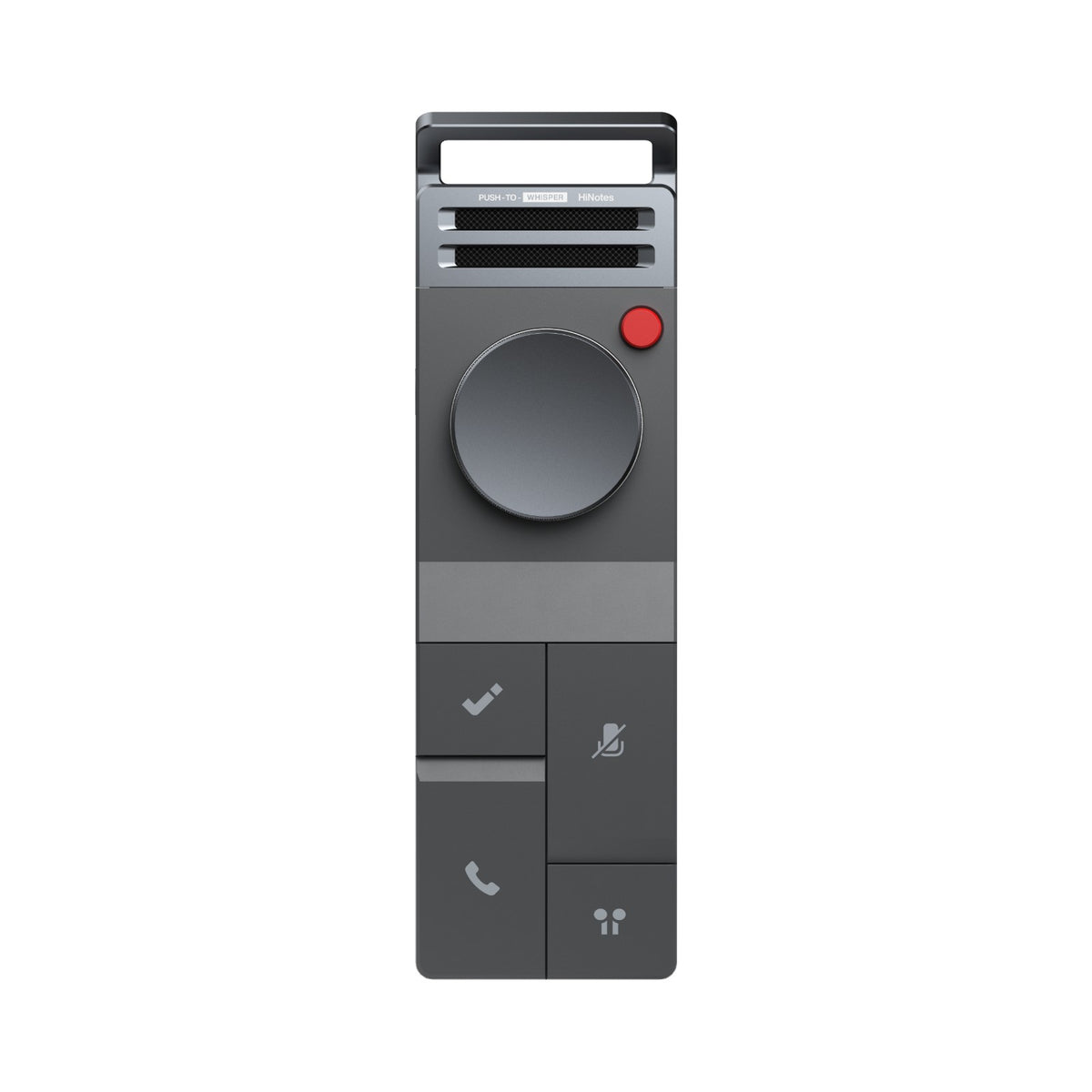
The intended input is a recording from compatible HiDock hardware. Current releases have removed general manual audio import, so do not install the app expecting it to be a universal file-transcription utility.
| Processor | Apple silicon M1 or later. Intel Macs are not supported. |
|---|---|
| Memory | 16 GB RAM minimum. 24 GB or more is recommended for the local-model workflow. |
| Operating system | macOS 26 or later. |
| Hardware input | A supported HiDock recorder for capture and transfer. |
| Installer | Apple-silicon `.dmg` for the current alpha version. |
| Internet | Needed to download the app and any required model resources; the core local processing path is designed to run on the Mac. |
Confirm the machine in under a minute.
Open About This Mac.
Choose the Apple menu, then About This Mac, to see the chip, memory, and current macOS version.
Look for an M-series chip.
M1, M2, M3, M4, or a later Apple-silicon generation meets the processor family requirement.
Check memory, not only disk space.
16 GB is the floor. If the Mac has 24 GB or more, the local models have more room beside your normal work.
Confirm your HiDock capture path.
Make sure the recorder you plan to use is supported and can transfer recordings to the Mac.
Requirements without guesswork.
Why is 24 GB recommended if 16 GB is supported?
Local speech and language models share memory with macOS and your other applications. More memory creates headroom even when the 16 GB minimum can run the supported path.
Can I use an Intel Mac?
No. The current build and local-model workflow require Apple silicon.
Can I import any audio file?
No. The current product is centered on recordings from supported HiDock devices; general manual audio import was removed from recent releases.
Will these requirements stay the same?
They may change during alpha as models, performance, and device support evolve. Check this page and the release notes before installing a newer build.
Your Mac meets the line?
Install the current alpha and test one real recording.